

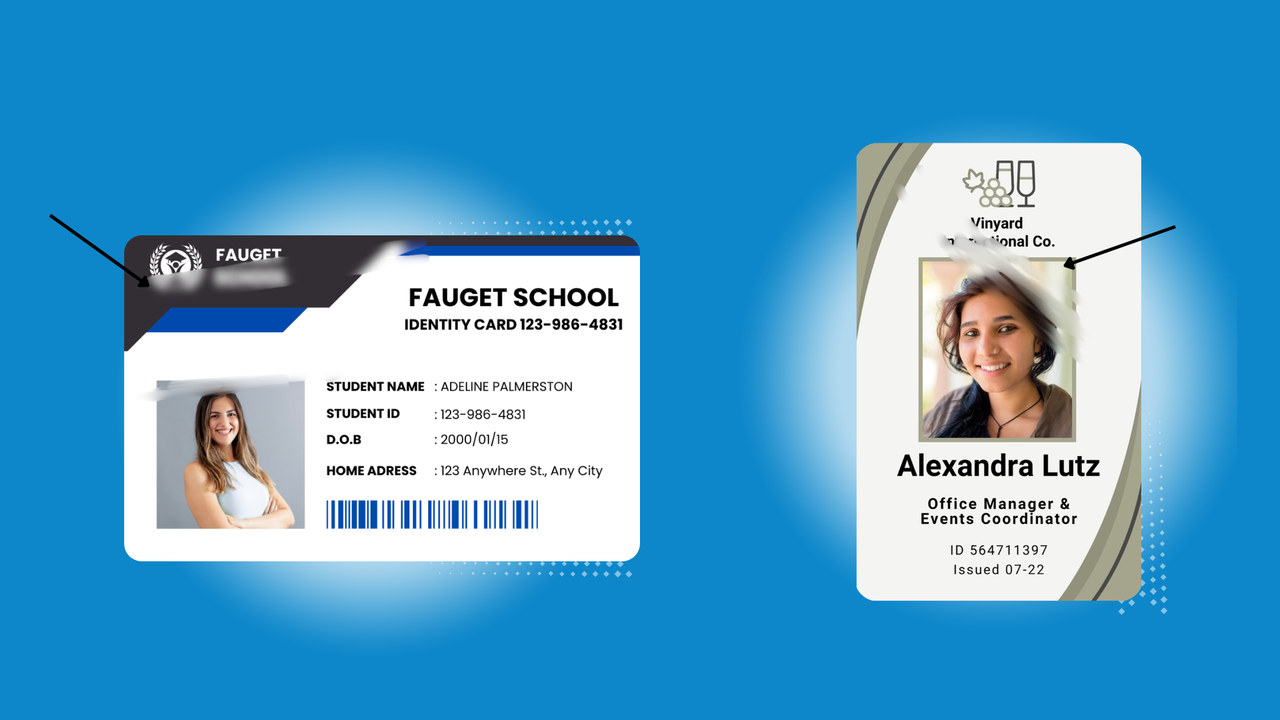
Printing crisp, professional ID cards is essential for security, branding, and readability. So when your ID card printer starts producing blurry or smudged images, it’s more than just a minor inconvenience—it can affect the professionalism and usability of your cards.
Fortunately, most image quality issues are easy to diagnose and fix once you understand the common causes.
Common Causes of Blurry Prints
1. Dirty or Contaminated Printhead
The printhead is the most critical component for sharp images. Dust, debris, or residue on the printhead can cause streaks, smudges, or blurry images.
How to fix it:
- Use a printer-approved cleaning card or cleaning kit
- Wipe gently with a lint-free cloth if recommended by the manufacturer
- Clean regularly as part of your maintenance routine
2. Low-Quality or Damaged Ribbons
The ribbon transfers ink to the card, so worn, low-quality, or improperly installed ribbons can lead to faded or blurry images.
How to fix it:
- Replace ribbons that are old, wrinkled, or damaged
- Make sure the ribbon is installed correctly according to printer instructions
- Use high-quality manufacturer-approved ribbons for consistent results
3. Incorrect Printer Settings
If your printer settings don’t match the card type or print resolution, images can appear blurry or pixelated.
How to fix it:
- Check DPI (dots per inch) settings in your printer software—higher resolution = sharper images
- Ensure you’re printing on the correct card thickness
- Select the proper print mode (standard, high-quality, or color adjustment settings)
4. Poor Image Source or File Quality
Blurry images often start at the source. Low-resolution logos or photos will look blurry when printed, even on the best printers.
How to fix it:
- Use high-resolution images (300 DPI or higher is ideal for ID cards)
- Resize images correctly in your card design software
- Avoid stretching or compressing images, which reduces clarity
5. Card Surface Issues
Dirty, scratched, or warped cards can prevent ink from adhering properly, producing smudges or blurring.
How to fix it:
- Inspect cards for damage before printing
- Use clean, flat cards
- Store cards in a cool, dry place to prevent warping
6. Environmental Factors
High humidity, extreme temperatures, or dusty environments can affect print quality and cause blurring or smudging.
How to fix it:
- Keep your ID card printer in a controlled environment
- Avoid direct sunlight or extreme heat near the printer
- Minimize dust and debris around the printing area
7. Worn or Misaligned Printer Components
Over time, rollers and other internal components can wear out or become misaligned, impacting print quality.
How to fix it:
- Inspect and replace worn rollers if necessary
- Ensure the printer is properly calibrated
- Follow the manufacturer’s maintenance schedule
Preventing Blurry Prints
- Regularly clean your printer using approved kits
- Use high-quality cards and ribbons
- Maintain proper printer settings and calibration
- Store cards and supplies in proper conditions
- Train staff on correct handling to avoid scratches and dust
Blurry ID card prints are almost always preventable with proper maintenance, high-quality supplies, and attention to settings. By identifying the root cause—whether it’s the ribbon, printhead, image quality, or environment—you can restore crisp, professional results quickly.
Need Help or Supplies?
If your printer continues to produce blurry images despite troubleshooting, it may be time for professional maintenance or replacement supplies. High-quality ribbons, cleaning kits, and replacement parts ensure your ID cards stay sharp, secure, and professional. Contact us today to speak with one of our experts about buying more supplies.